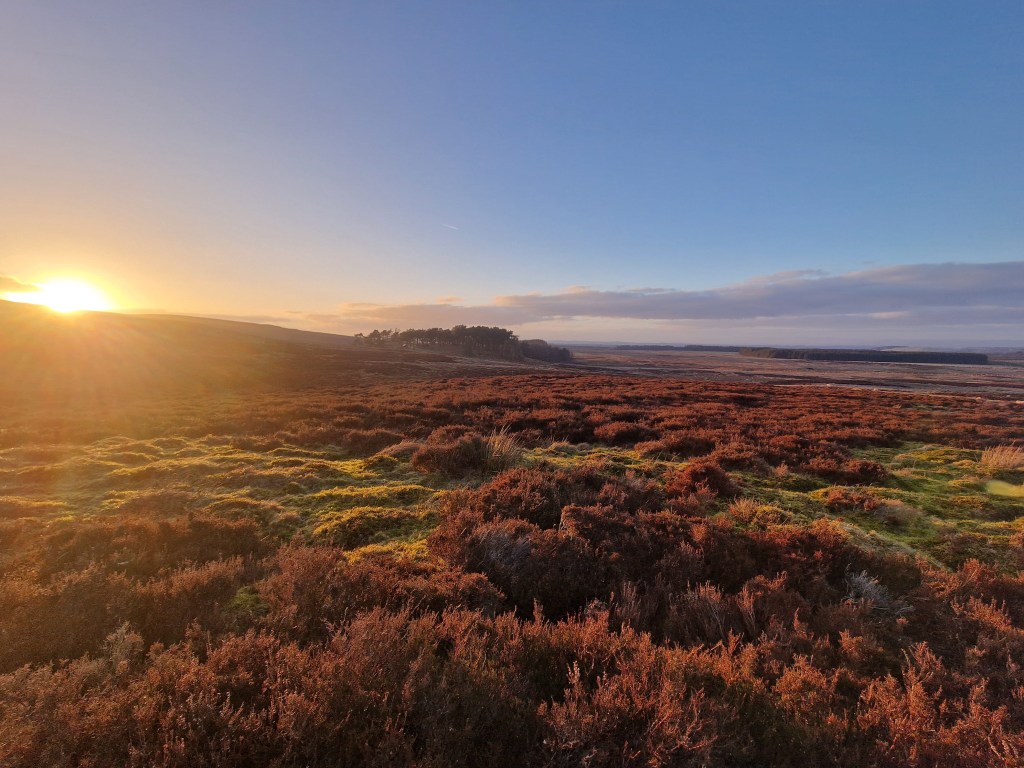

Not being entirely happy with the control around the town layout, as well as seeing a great YouTube video from ProceduralGeneration I decided to revisit some of the logic.
Using some start/end BP points, I generated Voronai graph to create a lot of points and edges that create a more natural layout for the streets, rather than the point-to-point approach previous.
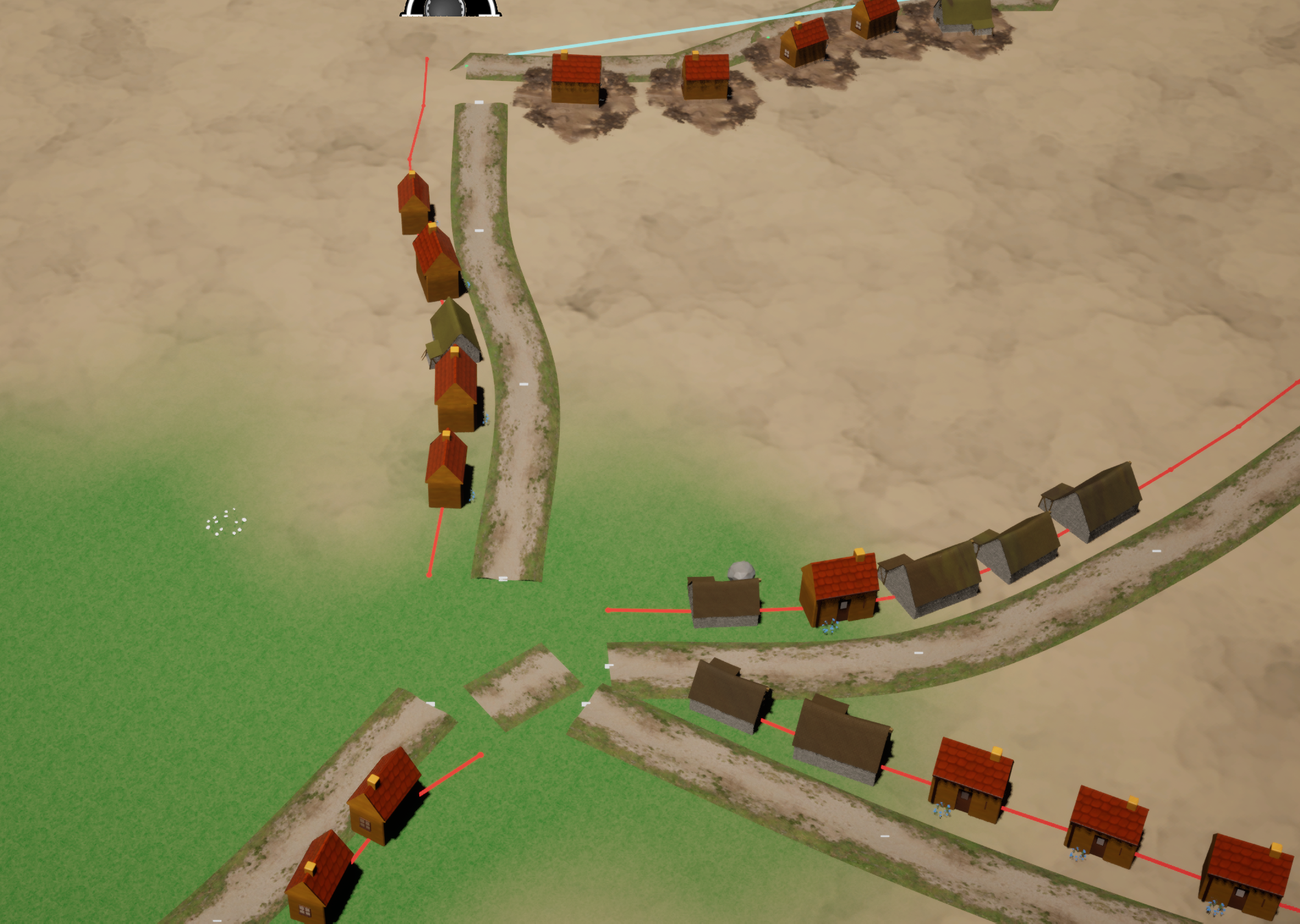
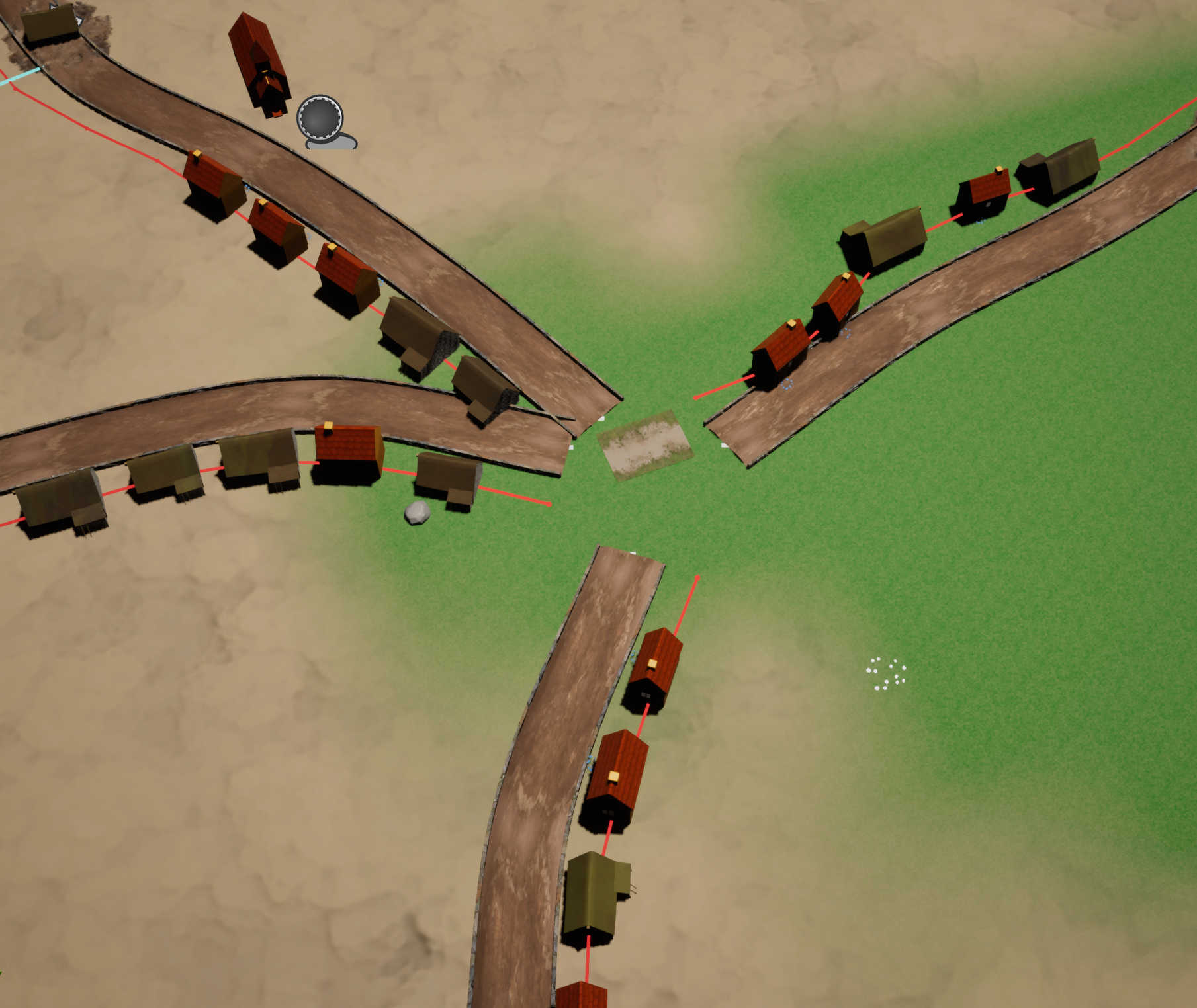
Felt I was getting somewhere with the shape, albeit some challenging problems on overlapping that I’ll have to solve.
However, I also realised the focus of the game isn’t a city builder, so starting thinking for now I’ll pause this, and see if I can get to a materials/setup view that gives a bit view of the game’s art style.
I picked a view and started working around some improvements to models/colouring etc.
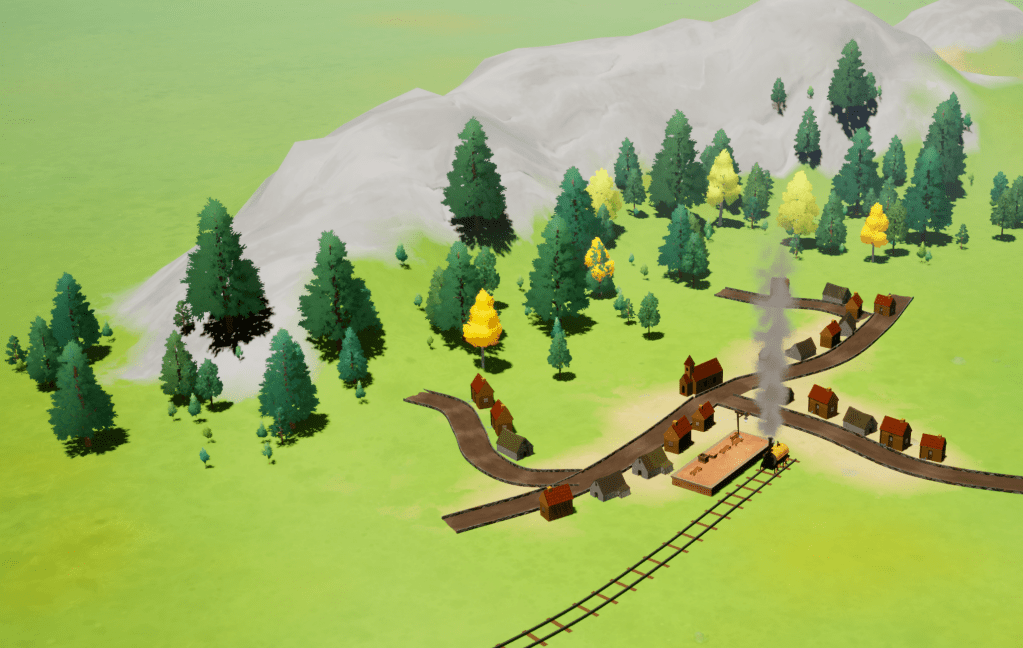
My first pass above was really trying to remove the flat look that I had on the landscape. Some gentle hills and a few trees just to give things a bit of a shape.
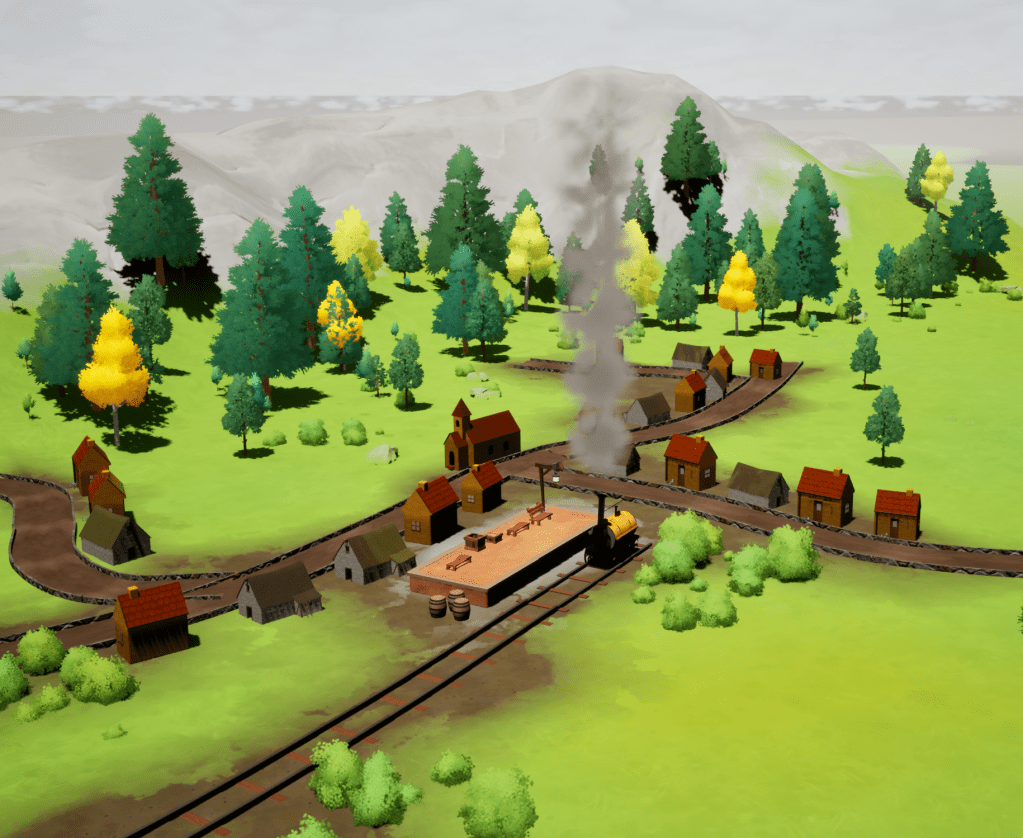
I then continued add some other props, and landscape layers just to check the look and feel. It’s starting to get more of the painterly type feel I’m going for. Meshes are still very basic – still swithering on asset packs. The above includes a basic pack from SoStylised on FAB. Was pleased with the value on this, and a lot of it looks very useful out of the box.
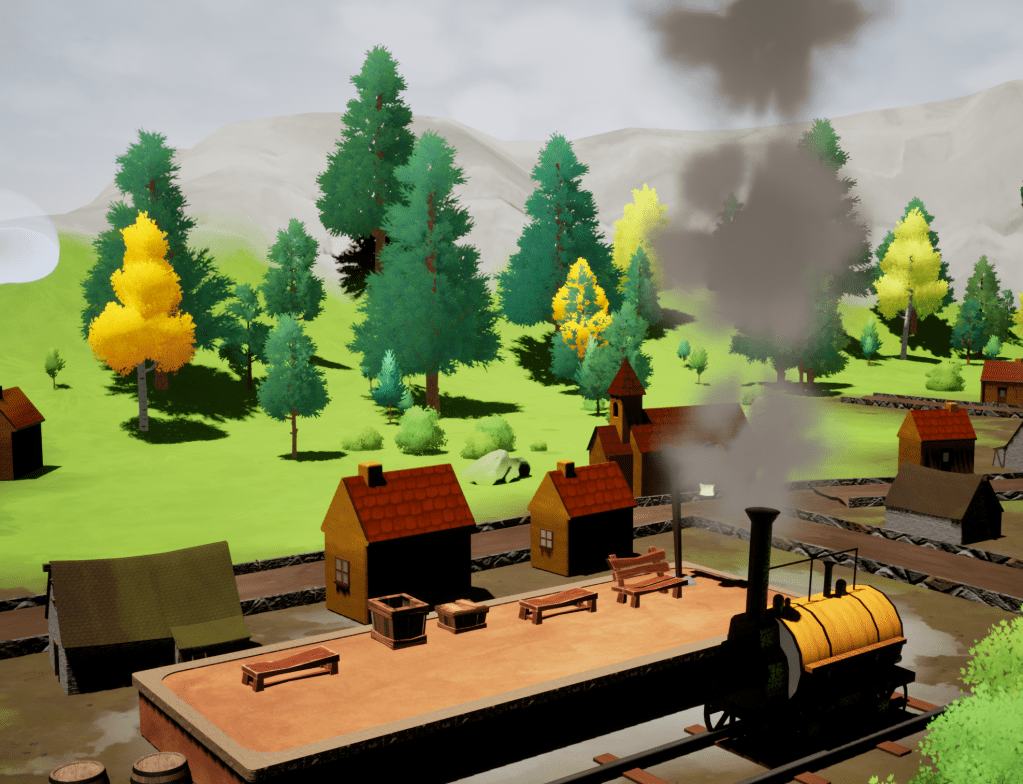
This is just a different angle of the above shot. Basic meshes need refined, and scaling is off, but it’s giving me a good idea of how I want the game to look, and how I start layering some of the play mechanics on it.
Next Steps
I’m fairly pleased up to this point. I have various low points where I wonder if Unreal Engine is the right thing, but I often feel when I do a bit of landscaping and foliage work that there are a lot of real positive aspects about creating things I couldn’t do without engine and asset packs.
I’m now thinking some train movement work, and just get something around placing/running engines across the landscape – but happy to be guided by the poll below!
 Flag Hippo Games
Leave a comment