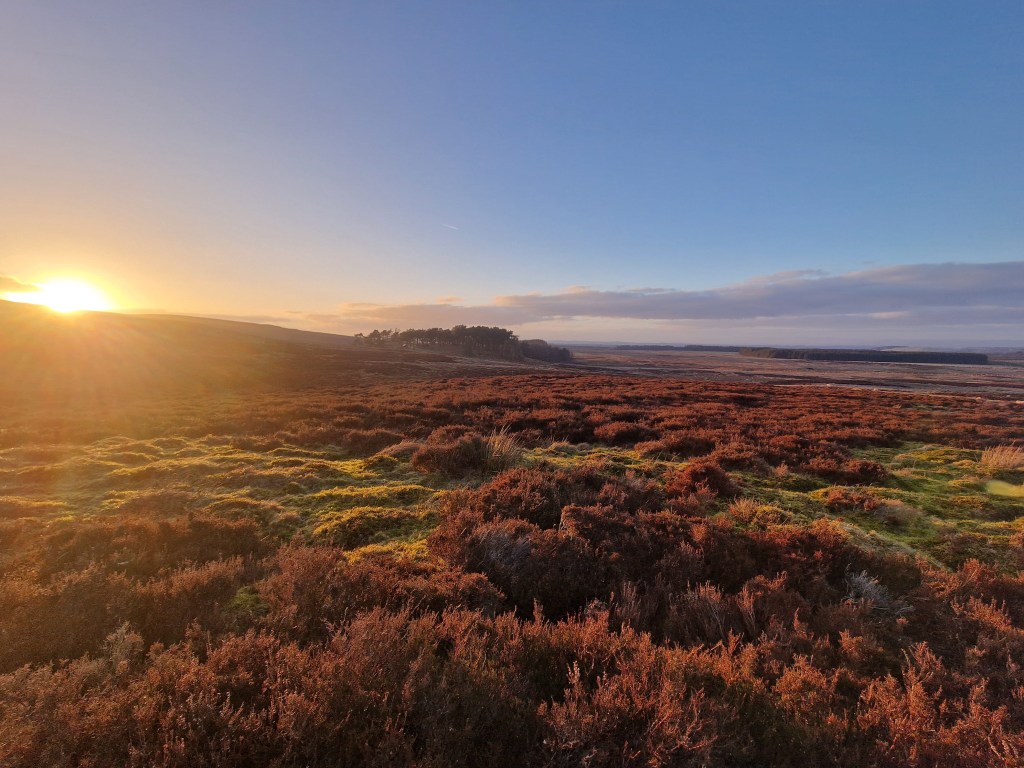

Thought I’d go for a change of pace over the last month, and have being trying to step through thoughts on gameplay and user interface.
My first few forays into Unreal Engine UI were somewhat frustrating. In some ways it had quite a similar feel to other Game Engines I’ve used, but some of it was really fiddly and baffling.
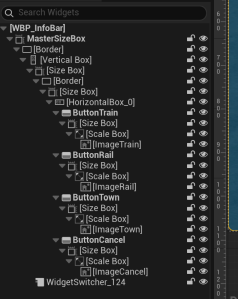
As per above, felt like a lot of wrapping things in size box and scale box, then adding something, wrapping that etc. Not quite as simplistic as I wanted. However, was a bit of a game changer when I realised you could right-click and choose Wrap With or Replace With.
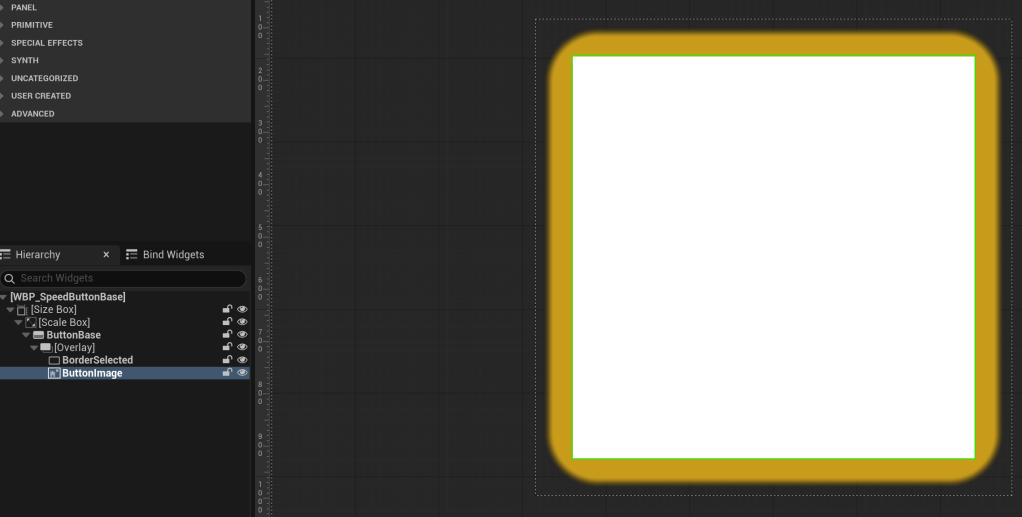
However, I did start to get a bit of handle on the inheritance and creating base classes – like here, a Speed Mode button has all the code and base required – and very quick thereafter to create different speed modes to control the game.
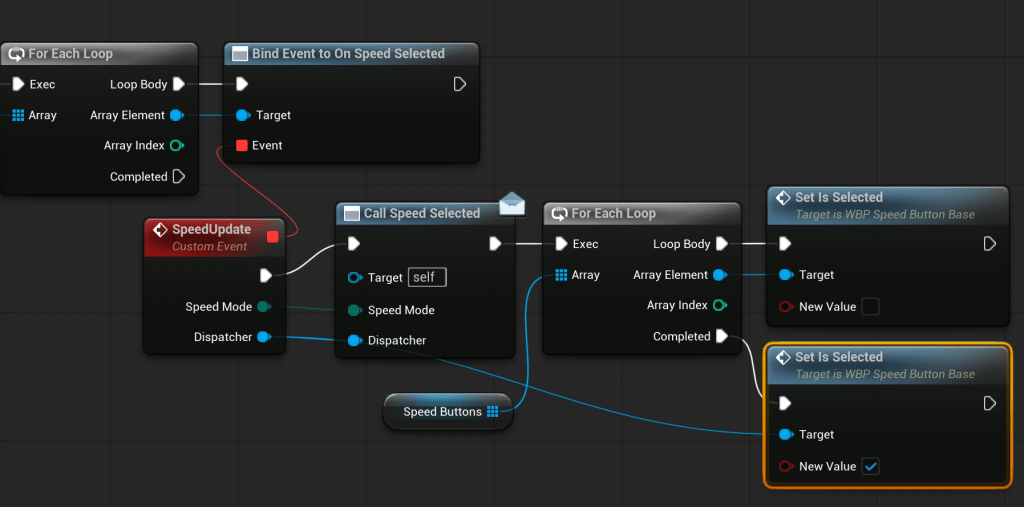
Other key moment was me finally getting my head round the Event Dispatcher pattern. I’m probably still not quite right, but after constantly feeling it was a bit wrong-way-round, I managed to start wiring things up in a fairly painless way.
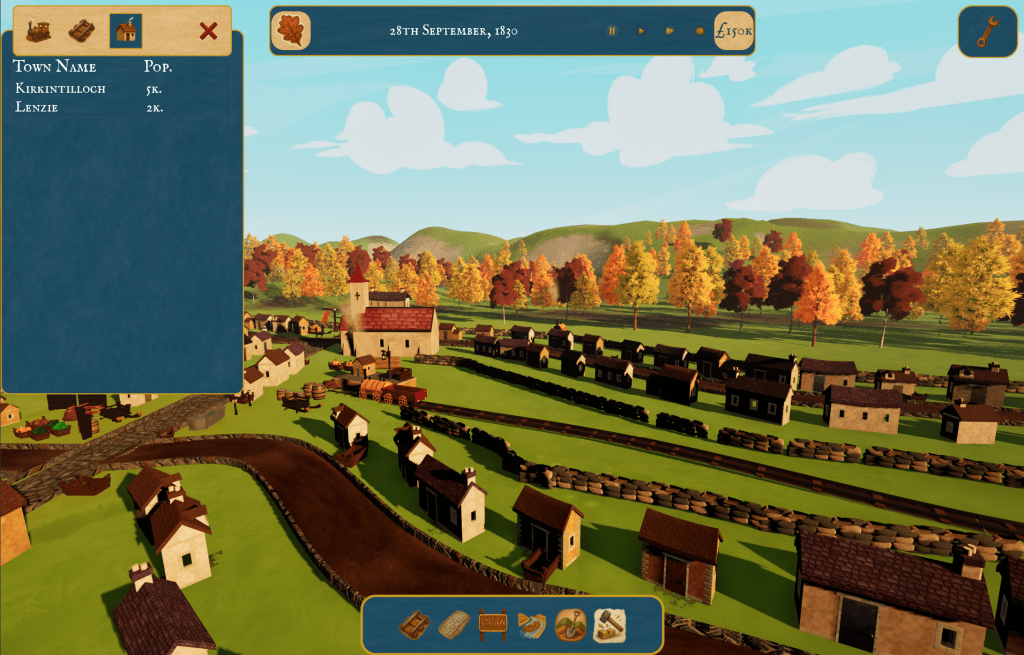
Then using the slot system in an overall HUD class, I started to pull together the key UI pieces, until I had a rough early draft of the overall game UI. Still a fair bit to go, but the speed buttons worked to control overall game speed, and town/track and some build elements are clickable.
Next Steps
Think the next period will be looking at some of the landscape options. I’ve done a lot of work with PCG around the towns. There look to be some good additions in PCG for Unreal Engine 5.7, so waiting for that. I need to start looking at fields and other landscape solutions.
However also toying with the idea of a bit of work on the industry/economy simulation – given I’ve got events firing for trains arriving at stations, hooking things up a bit is appealing.
 Flag Hippo Games
Leave a comment